
I cloned the entire VS Code UI in the browser; and it hit #1 on Hacker News
Browser-based VS Code theme editor with 100+ design tokens, live preview, and a community hub. 3K+ developers monthly.
Creating VS Code themes was a weirdly painful process. You'd open a massive JSON file, try to remember which of the 500+ token keys controlled which part of the interface, manually type hex codes, reload your editor, realize it looked terrible, and start over. For something that's supposed to be creative and visual, the entire workflow was the opposite.
I built Theme Studio to fix that; a browser-based editor where you design VS Code themes visually. Color pickers instead of hex codes, live preview instead of constant reloading, over 100 design tokens organized into groups that actually make sense. Pick your colors, see the changes instantly, export a production-ready theme file. It also became a full community platform; developers can sign in, create themes, share them, fork other people's work, and vote on their favorites.
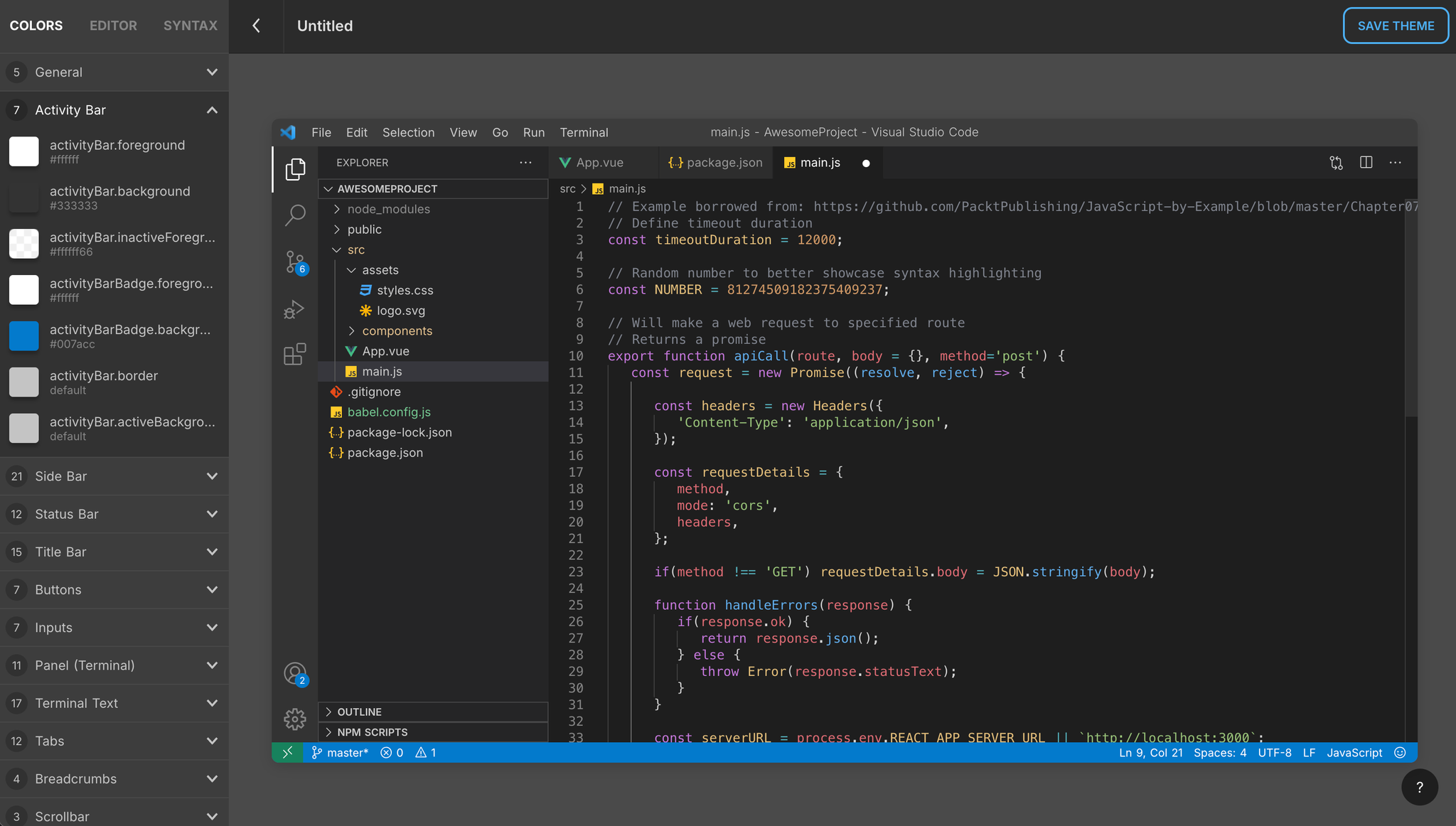
The technical challenge turned out to be way bigger than I expected. To make the live preview actually accurate, I had to recreate the entire VS Code interface in the browser; every panel, every tab, the sidebar, status bar, terminal, minimap, breadcrumbs, all of it. Pixel-perfect. This was 2021, entirely pre-AI, so every single element was hand-coded in HTML, CSS, and Vue.js.
I integrated Monaco Editor; the same editor component that powers VS Code itself; with full TextMate grammar support, so syntax highlighting in the preview would be identical to what you'd see in the real editor. That part took me deep into VS Code's theming internals: tokenization rules, scope selectors, color inheritance chains. Most theme creators never have to think about any of that because the tool handles it for them, which was kind of the whole point.
I launched it on Hacker News and it hit #1; 375 points, 104 comments. It went viral on Reddit too, across multiple developer subreddits. Developers had been quietly frustrated with the theme creation workflow for years, and having a visual tool for it just clicked. I was pushing bug fixes live during the HN discussion, which the community seemed to appreciate.
Thousands of developers have created themes on the platform, with hundreds of thousands of votes in the community hub. Around 3,000 developers still use it every month. Members of the official VS Code team reached out.
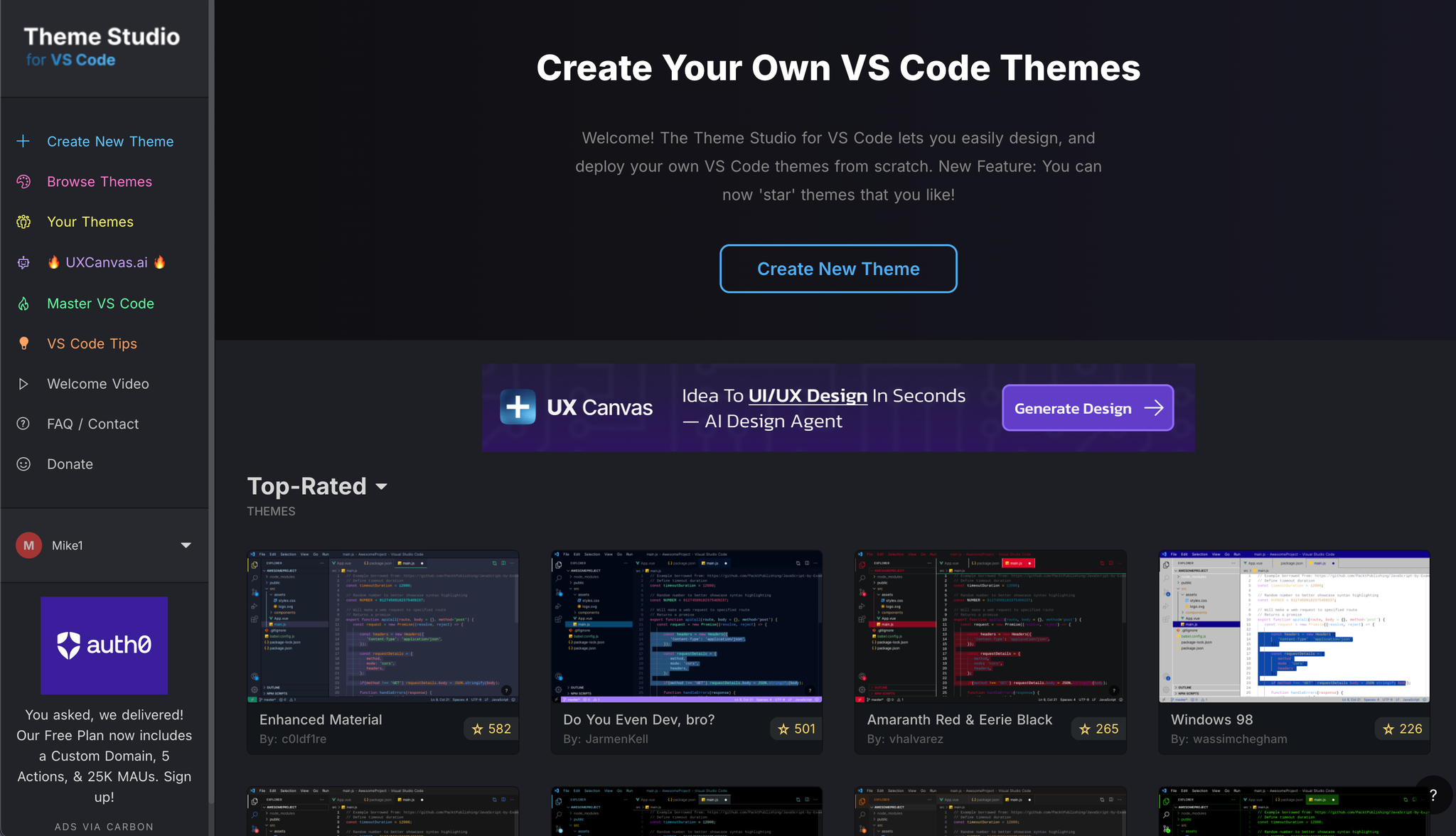
I also built a companion course called Master VS Code; 50+ video lessons on VS Code productivity that's trained over 500 students with a 4.6-star rating on Udemy.
One thing this project really crystallized for me was an intuition for what resonates with developers. Before I launched, I had a strong gut feeling it would do well; something about the combination of solving a genuine pain point with a polished, visual tool. It's hard to articulate exactly, but some things you can just tell when you make them. That sense for what clicks has shaped how I evaluate every idea since.